
Welcome to the site!
Below are instructions for getting signed in and learning your way around.
Changing your password
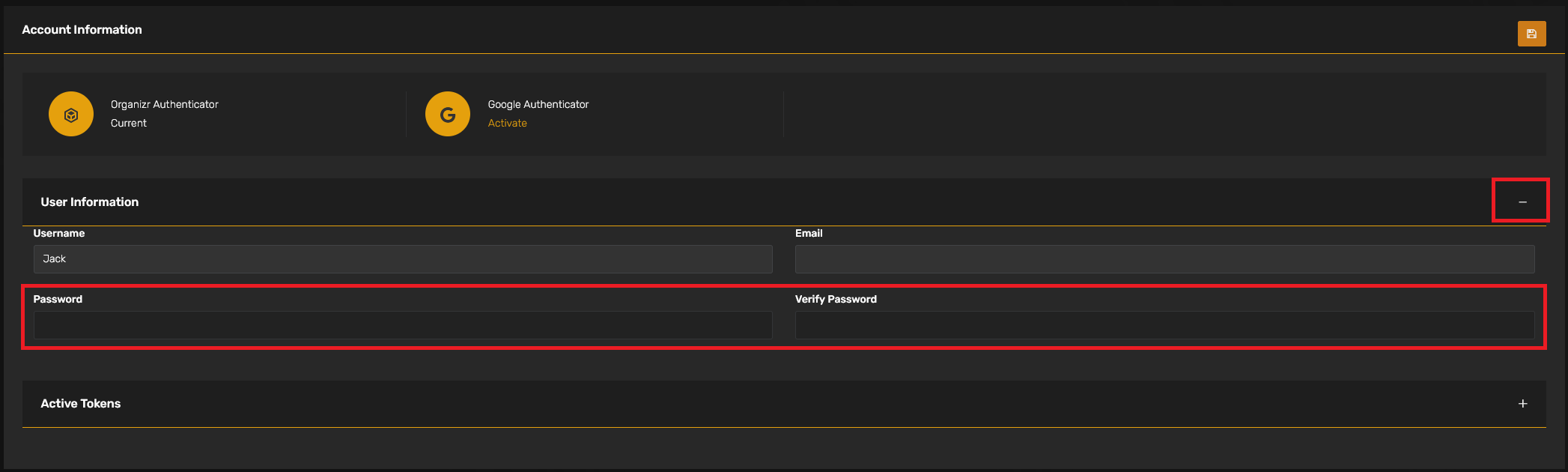
The first time you sign in, you'll want to get your password changed. To do this, navigate to your username, then select "Account Settings."

Next, expand the "User Information" section to update your password.
Homepage
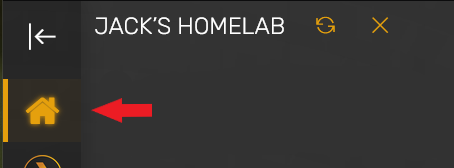
The homepage is where you land when first logging into the site. If you leave, you can return here by selecting the icon shaped like a house in the top-left corner of the screen.
The homepage will display recently added media, will show the status of the server (green if it is online, red if it is offline), and some other viewing stats.
Tabs
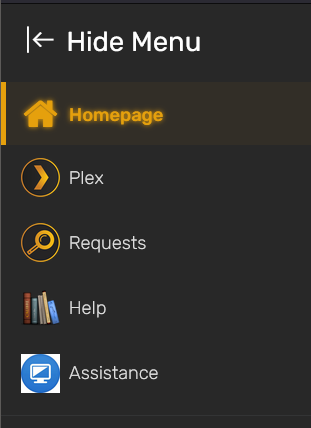
The left side of the screen will have tabs for different parts of the site. Each tab is explained below:
Plex
Here, you can log into your Plex account from within the site to watch Plex or even to see what is already available on the server. When you sign in, it will give you a warning that you're not signing into the main Plex website, but that is expected. That is just there so you know you're signing in through my site instead of the normal Plex site.
Requests
This section is for you to request movies or TV shows that you'd like added to Plex. There is an entire page about using this feature that can be found here if you'd like to learn more.
Help
The Help section will take you to the site's wiki. I've tried to include helpful instructions and explanations here, but feel free to reach out to me directly if there's anything I've left out.
Assistance
If you haven't already used this, you probably won't have to. This is a section with instructions for installing a screen-sharing client, in case I need to help anyone with getting logged in or any other computer issues.
No Comments